Best Process Automation Software in 2026 (Complete Comparison)
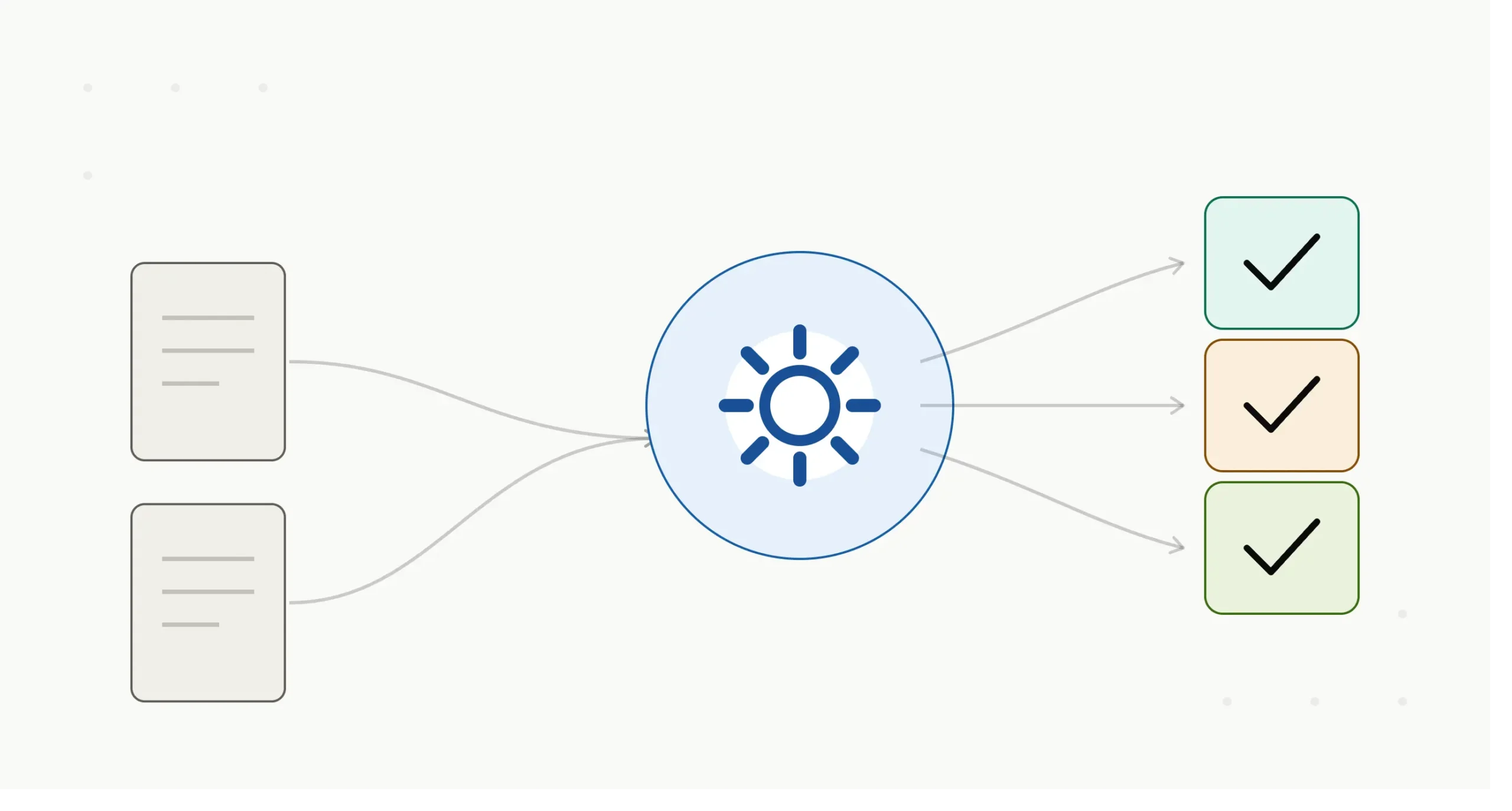
Process automation software (PAS) automates repetitive, rule-based, or multi-step business tasks — routing approvals, moving data between systems, executing unattended workflows — without a person clicking through each step manually. If you’re comparing options today, the honest answer is: there’s no single best process automation software. There’s a best one for your process complexity, deployment requirements, and budget, and this guide is built to help you find it fast.
We tested this against the current market rather than a static “top 10” — pricing, vendor positioning, and product tiers all shift within months in this category, so every figure below carries a verification date.
Key takeaways
- Process automation software spans four distinct categories — no-code workflow tools, iPaaS (integration platforms), RPA (robotic process automation), and enterprise BPA/orchestration platforms — and picking the wrong category is the single most common buying mistake.
- Pricing ranges from free (Zapier, n8n self-hosted) to $5,000–$15,000 per unattended robot annually for enterprise RPA deployments, according to pricing-benchmarking firm Vendr’s analysis of anonymized UiPath transactions.
- Gartner retired its long-standing Magic Quadrant for Business Process Management and replaced it with the Magic Quadrant for Business Orchestration and Automation Technologies (BOAT), covering 20 vendors, published October 15, 2025 — a signal that the category itself has consolidated around orchestration rather than narrow workflow tooling.
- Most growing companies overbuy: a five-person team automating a handful of internal handoffs rarely needs an enterprise BPA suite, and an enterprise moving thousands of documents a day rarely gets far on a no-code connector tool alone.
What is process automation software?
Process automation software is a category of tools that execute defined business workflows — approvals, data transfers, document handling, case management — automatically, based on triggers and rules, instead of requiring a person to perform each step. The category ranges from simple “if this, then that” connectors to full orchestration platforms that coordinate people, systems, and AI agents across an entire business process.
The practical distinction that matters most when buying: are you automating a task (move a file, send a notification) or a process (a multi-step, multi-department workflow with exceptions, approvals, and audit requirements)? Task automation is commodity-priced and fast to set up. Process automation, especially with compliance or case-management needs, is where enterprise platforms earn their much higher price tags.
The four categories of process automation software
Vendors market themselves under a single “automation” banner, but they solve genuinely different problems. Sort your shortlist by category first, or you’ll end up comparing a $20/month connector tool against a $70,000/year enterprise platform and concluding one of them is “overpriced.”
No-code workflow and app-integration tools (Zapier, Make, n8n, Kissflow, monday.com) connect existing SaaS apps and automate simple, linear workflows without a developer. Best for: small teams and departmental automation with a handful of connected apps.
Integration Platform as a Service (iPaaS) (Workato, Celigo, Boomi, Tray.ai) handles higher-volume, more complex data integration between systems, often with governance and API management layered in. Best for: IT teams connecting many systems at real data volume, not just a few apps.
Robotic Process Automation (RPA) (UiPath, Automation Anywhere, Microsoft Power Automate’s Process plan) automates interactions with legacy or UI-only systems that don’t expose a clean API — clicking, typing, and reading screens the way a human would. Best for: organizations with legacy systems (mainframes, desktop software, PDFs) that have no modern integration path.
Enterprise BPA / process orchestration (Appian, Pega, Camunda, ServiceNow) model, execute, and govern complex, long-running business processes involving multiple departments, decision logic, and compliance requirements. Best for: regulated industries and large enterprises running mission-critical, auditable processes.
Process automation software comparison table
| Software | Category | Best for | Starting price | Free tier |
|---|---|---|---|---|
| Zapier | No-code workflow | Small teams, fastest setup | $19.99/mo (annual) | Yes — 100 tasks/mo |
| Make | No-code workflow | Budget-conscious teams, complex branching | ~$9/mo (Core, annual) | Yes — 1,000 ops/mo |
| n8n | No-code workflow | Technical teams wanting self-hosting | Free (self-hosted); paid cloud plans available | Yes, self-hosted |
| Microsoft Power Automate | RPA / workflow (Microsoft-native) | Microsoft 365-centric organizations | $15/user/mo (Premium); $150/bot/mo (Process) | Basic flows may be bundled with Microsoft 365 |
| UiPath | Enterprise RPA | Legacy system automation at scale | $25/mo (Basic, self-service); enterprise licensing separately negotiated | Yes, limited |
| Kissflow | No-code BPA | Custom app + workflow building for ops teams | Custom quote | Trial available |
| Appian | Enterprise BPA / low-code | Complex case management, regulated industries | Roughly $70–$100/user/mo per published comparisons | Trial available |
| Pega | Enterprise BPA / decisioning | Large enterprises with complex rules and compliance needs | Custom enterprise licensing | No |
| Camunda | Process orchestration | Coordinating AI agents, people, and systems together | Free (Community/open-source); paid enterprise tiers | Yes, open-source |
| Workato | iPaaS / agentic orchestration | Mid-market to enterprise integration + automation | Custom quote | Trial available |
Pricing verified against vendor and pricing-analysis sources as of mid-2026; confirm current figures directly with each vendor before purchasing, since SaaS pricing changes frequently.
Best process automation software by category
Best for small teams and departmental automation: Zapier
Zapier remains the default starting point for teams automating a handful of connected apps without involving IT. Its core strength is breadth — Zapier connects to roughly 9,000 apps, far more than most competitors, which matters most for teams with a scattered, non-standardized software stack.
The trade-off is Zapier’s task-based pricing. According to Zapier’s own 2026 pricing pages, the Professional plan starts around $19.99 per month (annual billing) for 750 tasks, with the Team plan reaching roughly $69–$103 per month for higher task volumes. Task consumption adds up quickly on multi-step workflows — a five-step Zap consumes five tasks per run — which is the most common reason teams outgrow Zapier’s cost structure faster than they outgrow its features.
Common mistake: teams build complex, branching multi-step Zaps and are then surprised when task consumption triples their bill. If your workflows have heavy branching logic, price out Make before committing — its per-operation model tends to charge only for the modules that actually execute, which can meaningfully lower cost for the same workflow.
Best for budget-conscious teams with complex branching: Make
Make (formerly Integromat) uses a visual, node-based builder rather than Zapier’s linear step model, which makes it a stronger fit for workflows with conditional branches, loops, or error-handling paths. Make’s operations-based pricing tends to run 40–70% lower than Zapier’s task-based pricing at equivalent workloads, largely because Make doesn’t charge for filter-rejected paths the way Zapier’s task model can.
The trade-off is a steeper learning curve for non-technical users — the visual canvas is more powerful but less immediately intuitive than Zapier’s step-by-step format.
Best for technical teams and self-hosting: n8n
n8n is an open-source workflow automation tool that can be self-hosted at effectively zero marginal software cost, which appeals to engineering-led teams that want full control over data residency and don’t mind maintaining their own infrastructure. It supports the same trigger-action workflow model as Zapier and Make but adds native code steps (JavaScript/Python) for teams that want to drop into custom logic without leaving the workflow canvas.
n8n is a weaker fit for non-technical business users who need a fully managed, zero-maintenance tool — self-hosting means your team owns uptime, security patching, and scaling.
Best for Microsoft-centric organizations: Microsoft Power Automate
Power Automate’s biggest advantage is bundling: organizations already paying for Microsoft 365 often have basic Power Automate access included at no additional cost, and its native depth with Microsoft products (SharePoint, Dynamics, Teams, Dataverse) is difficult for third-party tools to match.
Its Premium tier licenses per user (around $15/user/month), which becomes expensive for larger teams compared to workspace-based pricing from competitors — a five-person team can end up paying substantially more than the equivalent Make or Zapier plan, per multiple 2026 pricing comparisons. Power Automate’s separate Process plan, priced around $150 per bot per month, targets unattended RPA-style automation rather than everyday workflow connections — a distinct product decision worth understanding before budgeting, since the two plans solve different problems.
Best for legacy system automation at enterprise scale: UiPath
UiPath remains the incumbent in robotic process automation, built specifically for automating interactions with systems that have no clean API — mainframes, desktop applications, and PDF-based workflows common in banking, insurance, and healthcare back offices. Its 2026 Automation Suite release added on-premises, self-hosted agentic automation running on customer-controlled Kubernetes infrastructure, narrowing a longstanding deployment gap for regulated buyers who can’t put automation data in the public cloud.
Pricing is where UiPath draws the most scrutiny. Vendr’s benchmarking of anonymized transactions found enterprise deployments commonly range from $5,000 to $15,000 per unattended robot annually, with organizations running 10–25 robots achieving 15–25% discounts through multi-year commitments, and 25+ robot deployments seeing 25–35% discounts. Capterra lists UiPath’s published self-service tiers starting around $420–$1,930 per month, but that entry pricing understates typical enterprise total cost of ownership once Orchestrator licensing, AI add-ons, and implementation are factored in.
The honest trade-off: UiPath’s foundation is still UI-based automation — selectors can break when a target screen’s layout changes, requiring ongoing script maintenance rather than a one-time setup. This is a structural characteristic of RPA generally, not a UiPath-specific weakness, and it applies equally to Automation Anywhere and Blue Prism.
Best for custom app-building alongside workflows: Kissflow
Kissflow positions itself as a no-code platform for building lightweight internal applications (approval systems, request trackers, case queues) with workflow automation built in, rather than purely connecting existing SaaS tools. It suits operations teams that need a form-based internal tool and the automation logic to run it, without a dedicated developer.
Best for complex case management in regulated industries: Appian
Appian’s low-code platform is built for processes with genuine complexity — multi-department approvals, exception handling, and audit trails — and its rapid deployment model gets organizations to a working process faster than typical enterprise BPM implementations. Appian was named a leader in Gartner’s 2025 Magic Quadrant for Enterprise Low-Code Application Platforms.
Reported per-user pricing for Appian runs roughly $70–$100 per user per month according to third-party comparison sources, positioning it as more accessible than Pega for mid-sized enterprises, though still a meaningfully larger commitment than SMB-tier tools.
Best for complex rules and decisioning at large enterprise scale: Pega
Pega Platform is built for organizations running mission-critical, rules-heavy processes — claims processing, loan origination, large-scale customer onboarding — where the decisioning logic itself is as important as the workflow steps. Pega’s licensing is widely described as complex and costly, which limits its practical fit to organizations large enough to justify the implementation lift; smaller businesses are consistently steered toward lighter platforms.
Best for orchestrating AI agents alongside human workflows: Camunda
Camunda has repositioned itself around agentic orchestration — coordinating AI agents, human approvers, and system-to-system automation within a single governed, auditable process model, rather than treating AI agents as a bolt-on. Its open-source Community edition offers a genuine no-cost entry point for engineering teams that want to model and run processes in code (BPMN) before committing to a paid enterprise tier with added governance and support.
What actually happens during implementation
Vendor demos make every one of these tools look like a same-day setup. In practice, timelines diverge sharply by category. No-code connector tools (Zapier, Make) genuinely can go live the same day for a simple two-system workflow. iPaaS and RPA deployments typically take several weeks to a few months once you factor in mapping the existing process, handling exceptions, and testing against production data. Enterprise BPA implementations (Appian, Pega) commonly run three to nine months for a first meaningful process, driven less by the software and more by the organizational work of agreeing on the process itself across departments.
The most common failure pattern isn’t picking the wrong vendor — it’s automating a process that was never clearly defined in the first place. A messy manual process, automated, is just a faster messy process.
How to choose: a decision framework
Match your situation to the category before you start comparing individual vendors:
- Fewer than 10 employees, automating between a handful of SaaS tools you already use → start with Zapier or Make. Don’t buy an enterprise platform for this.
- A mid-sized company connecting many systems at real data volume, with an IT team that owns the integration → look at iPaaS (Workato, Celigo, Tray.ai).
- Legacy systems with no API — mainframes, desktop-only software, high-volume PDF processing → RPA (UiPath, Automation Anywhere) is the only category built for this.
- Regulated industry, multi-department approvals, audit and compliance requirements baked into the process itself → enterprise BPA (Appian, Pega, Camunda).
- You’re not sure your process is even well-defined yet → map the process on paper first. No software fixes an undefined workflow.
Common mistakes to avoid
- Buying enterprise BPA for task automation. A five-person team doesn’t need Pega to route Slack approvals — the licensing complexity and implementation timeline will outweigh the benefit.
- Underestimating task/operation consumption on no-code tools. Multi-step, branching workflows can burn through task allowances far faster than a flat monthly estimate suggests; model your actual workflow before comparing sticker prices.
- Choosing RPA for a problem a modern API already solves. If the target system has a clean, documented API, an iPaaS or no-code connector is almost always cheaper and more stable long-term than screen-scraping RPA.
- Ignoring total cost of ownership on enterprise RPA. Sticker pricing on self-service tiers (UiPath’s $420/month entry plan, for example) bears little resemblance to enterprise deployment costs once Orchestrator licensing, AI add-ons, and implementation are included.
Frequently asked questions
What’s the difference between process automation software and RPA? Robotic process automation (RPA) is one category within the broader process automation software market, specifically built to automate interactions with systems that lack a clean API by mimicking human clicks and keystrokes. Process automation software more broadly includes no-code connectors, iPaaS, and enterprise BPA platforms that integrate directly through APIs rather than screen interaction.
How much does process automation software cost? Costs range from free (Zapier’s free tier, n8n self-hosted, Camunda Community edition) to $5,000–$15,000 per unattended robot annually for enterprise RPA, per Vendr’s 2026 benchmarking of UiPath transactions. Mid-tier no-code and iPaaS tools typically run $20–$150 per user or workspace per month depending on volume.
Can small businesses use enterprise process automation platforms? Technically yes, but it’s rarely the right fit. Enterprise BPA platforms like Pega and Appian are priced and implemented for organizations with complex, multi-department processes and compliance requirements — a small business automating routine internal handoffs will generally get a faster, cheaper result from a no-code workflow tool.
Does process automation software require coding? Most no-code and low-code platforms (Zapier, Make, Kissflow, Appian) are designed to be built by non-developers using visual builders. RPA and enterprise BPA platforms increasingly offer low-code interfaces too, but complex logic, custom integrations, or advanced decisioning often still benefit from developer involvement.
What is Gartner’s current view of the process automation market? Gartner retired its Magic Quadrant for Business Process Management and replaced it with the Magic Quadrant for Business Orchestration and Automation Technologies (BOAT), published October 15, 2025, covering 20 vendors and reflecting the convergence of BPA, RPA, low-code, and iPaaS into unified orchestration platforms.
The single trade-off to remember
Every tool in this category trades ease of setup against depth of control. No-code connectors get you running today but cap out on complex logic and scale. Enterprise BPA platforms handle real complexity but cost more in both dollars and implementation months. Match that trade-off to where your process actually sits today – not where you expect it to be in two years — and upgrade categories when the process, not the ambition, actually demands it.
