
Why Document Automation Software Is Replacing Traditional Document Workflow
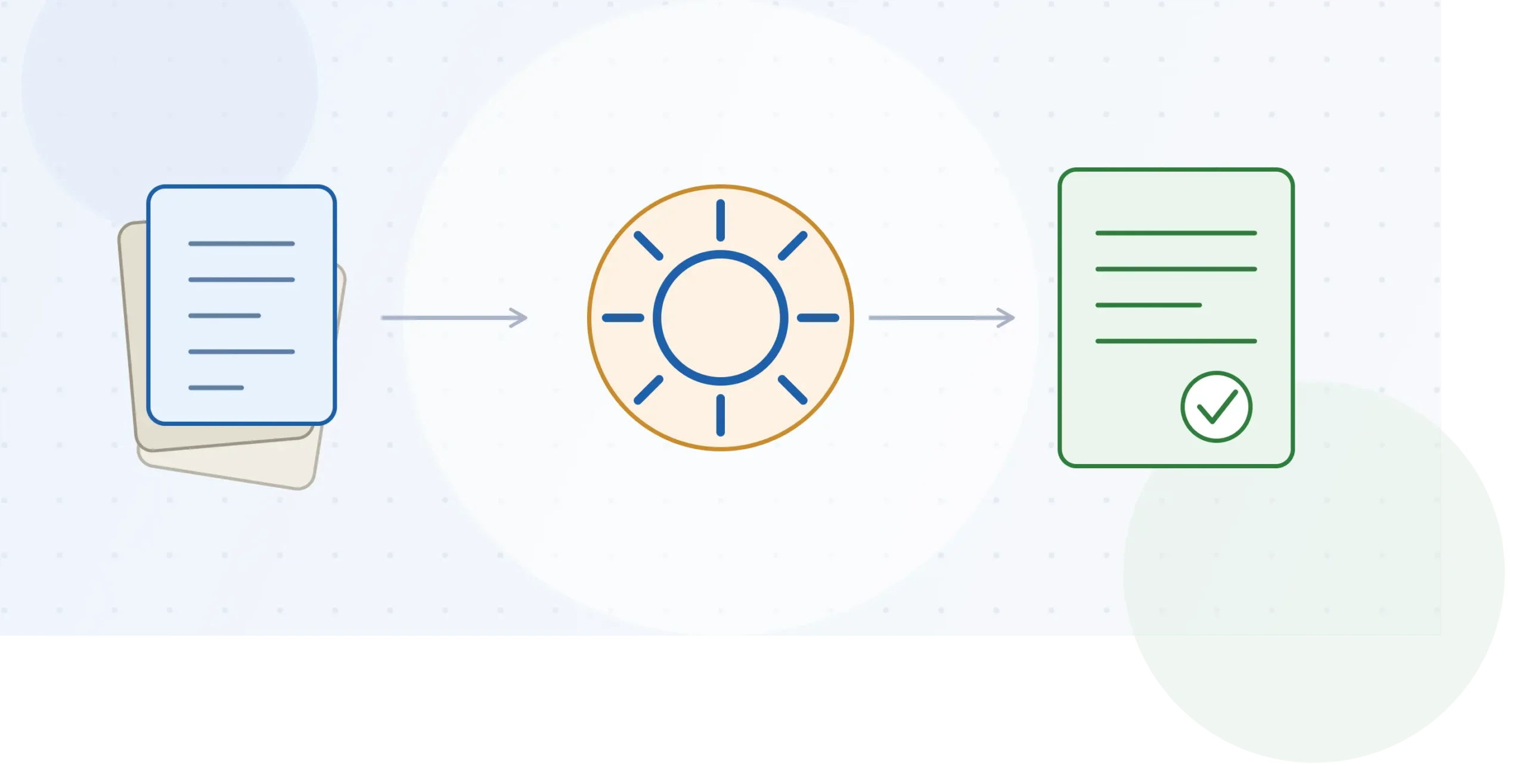
Document automation software generates, populates, and routes business documents — contracts, invoices, proposals, HR letters — from templates and structured data, instead of a person typing each one from scratch. It’s replacing manual document workflows for one practical reason: the manual version doesn’t scale past a handful of documents a week without adding headcount or errors.
That trade-off used to be acceptable. It isn’t anymore, and understanding why is more useful than another feature list.
Key takeaways
- Document automation software replaces manual drafting, copy-pasting, and routing with template logic, data merge, and automated approval workflows.
- The shift is happening because document volume has grown faster than the teams producing them — not because manual work suddenly got worse.
- Legal, finance, HR, and sales operations are the categories moving fastest, since they generate the highest volume of similar-but-not-identical documents.
- The real cost of manual workflows is inconsistency and delay, not just labor hours — version conflicts and approval bottlenecks are harder to fix than typing speed.
- Most organizations don’t need every feature a platform offers; scoping to the actual document types you produce matters more than picking the “most powerful” tool.
What manual document workflow actually looks like today
Before comparing tools, it’s worth being specific about what “traditional” document workflow means, because the phrase undersells how much friction it actually contains.
A typical manual process: someone opens a previous contract or proposal as a starting template, copies it, manually updates names, dates, and terms, emails it for review, waits for redlined comments back, incorporates changes by hand, and re-sends. Each step depends on one person remembering the current version is actually current — and being available.
This works fine at low volume. A ten-person consultancy sending three proposals a month can absorb the friction. A 200-person company generating 400 contracts, offer letters, and vendor agreements a month cannot — not because the people are slower, but because the coordination overhead grows faster than the document count.
Why document automation software is replacing that process
Three forces are pushing the shift, and they compound rather than acting independently.
Document volume has outpaced headcount. Sales, legal, and HR teams generate more paperwork per employee than they did five years ago — more contract variants, more compliance documentation, more customized proposals — without a proportional increase in staff to produce it.
Errors in manual documents are more expensive now. A misdated clause or an outdated pricing term in a contract used to be an annoyance. In regulated industries — healthcare, financial services, insurance — the same error is now a compliance exposure, not just a rework task.
Approval workflows, not drafting speed, are the real bottleneck. Most teams overestimate how much time automation saves on writing and underestimate how much it saves on routing — knowing who needs to review a document next, and not losing track of which version they’re looking at.
Templafy, PandaDoc, and Conga are common examples of platforms built around this shift: structured templates, conditional logic, and built-in approval routing, rather than a document sitting in someone’s inbox waiting for attention.
Document automation vs. traditional document workflow
| Traditional (manual) workflow | Document automation software | |
|---|---|---|
| Document creation | Copy an old file, manually edit | Template + data merge generates the draft |
| Version control | Tracked by filename or memory | Single source of truth, version history built in |
| Approval routing | Email chains, manual follow-up | Automated routing rules, status visible to all parties |
| Error risk | Higher — manual copy/paste, outdated clauses | Lower — logic prevents invalid combinations |
| Scaling cost | Roughly linear with document volume | Largely flat after initial template setup |
| Compliance audit trail | Reconstructed after the fact, often incomplete | Logged automatically as documents move |
The scaling-cost row is the one that actually explains the shift. Manual workflows cost roughly the same per document no matter how many you produce. Automated workflows have a real setup cost up front — building templates and rules — but the marginal cost per document drops sharply after that, which is why the category grows fastest in teams already producing documents at volume.
What actually happens during implementation
The gap between buying document automation software and it actually working sits almost entirely in template setup, not the software itself.
Teams that succeed treat the first 60–90 days as a template-mapping project: identifying every document variant currently in circulation (a contract with four common variations is really four templates, not one), agreeing on which fields are dynamic versus fixed, and assigning approval rules before a single document runs through the new system live.
Teams that struggle skip that step and try to migrate their existing document chaos directly into the new tool — which mostly relocates the chaos rather than resolving it. A common failure pattern: importing twelve near-duplicate contract templates instead of consolidating them into one template with conditional clauses, which recreates the version-control problem the software was bought to solve.
Common mistakes when adopting document automation software
- Automating a document nobody has cleaned up first. If the underlying contract or form already has inconsistent, outdated, or legally stale language, automation just makes the bad version faster to produce.
- Skipping approval-workflow design. Buying the software but leaving routing informal (“just email it around when it’s ready”) gives up most of the actual benefit.
- Choosing a platform based on template count rather than integration fit. A tool with a large template library that doesn’t connect to the CRM or HRIS actually in use creates a second system to maintain, not a replacement for the first.
- Rolling out to the whole company at once. Piloting with one document-heavy team — legal or sales ops, usually — surfaces template and permission issues before they affect every department.
How to choose between document automation platforms
Not every team needs the same thing from this category, and platform choice should follow from document type and volume, not from a general “best of” ranking.
- High document volume, moderate complexity (proposals, standard contracts): prioritize speed of template creation and e-signature integration.
- Legal and compliance-heavy documents: prioritize clause libraries, conditional logic, and audit-trail depth over speed.
- HR and people-ops documents: prioritize integration with the existing HRIS so employee data populates automatically, rather than being re-entered.
- Cross-department rollout: prioritize permissioning and template governance — who can create, edit, and approve templates — since sprawl is the most common failure mode at scale.
If you’re evaluating vendors directly, our document automation software comparison guide breaks down feature and pricing differences between the platforms named above.
Frequently asked questions
Is document automation software the same as e-signature software?
No. E-signature tools (like the signing component of DocuSign or Adobe Sign) handle the final signing step. Document automation software handles everything before that — generating the document itself from templates and data, often with e-signature as one integrated step rather than the whole product.
Does document automation software require technical or IT setup?
Most modern platforms are built for business users, not developers — template logic uses conditional rules rather than code. Integration with a CRM or HRIS usually needs IT involvement once, at setup, but day-to-day template editing typically doesn’t.
What’s the biggest risk in switching to document automation software?
Migrating existing document inconsistency directly into the new system instead of consolidating templates first. The software can’t fix a messy underlying process on its own — it automates whatever process you actually design.
How long does implementation typically take?
For a single department with a manageable number of document types, 60–90 days for template mapping, rule-building, and a supervised pilot is a realistic range before full rollout. Company-wide rollouts with multiple document categories take longer, since template governance has to be designed, not assumed.
The trade-off to remember
Document automation software isn’t replacing manual workflow because manual work is inherently bad — it’s replacing it because manual coordination cost grows with document volume, and most teams’ volume has outgrown what one person can track by memory. The tools that succeed are the ones matched to actual document types and integrated into the systems already generating the underlying data, not the ones with the longest feature list.
If you’re ready to compare specific platforms against your document volume and compliance needs, see our best document automation software guide for a breakdown by use case.
